Opening the profile…
 AI Lab for K12AI education solution profile
AI Lab for K12AI education solution profile
AI Lab for K12AI education solution profile
Opening the profile…
Please enable JavaScript to read the profile as a flipbook. Contact: agent001@saolaiq.com
saola IQ · 2026Solution profile 2026
An artificial intelligence (AI) curriculum and platform for Vietnamese schools, seamless from grade 1 to grade 12 (K12).

For Departments of Education and Training, principals, teachers and parents
Swipe, drag a corner or press the arrows to turn
Contents
Jump to a grade
Who it is for
Manage many campuses on one dashboard, compare quality across schools and deploy on-premise in the department’s own data center.
Teach AI from next semester with existing computer labs and no new hardware. Data stays in Vietnam and is handed back to the school.
A scripted plan for every lesson, no AI background needed. The AI Lesson Studio drafts plans on a teaching framework, and teachers approve every step.
Children learn AI through real projects, with age-appropriate content and protected personal data. A competency profile tracks each child’s progress in real time.

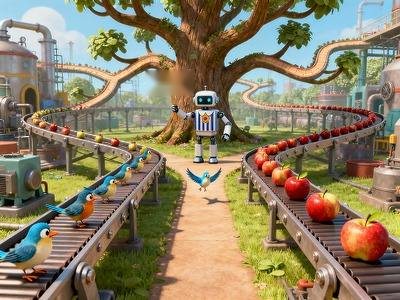
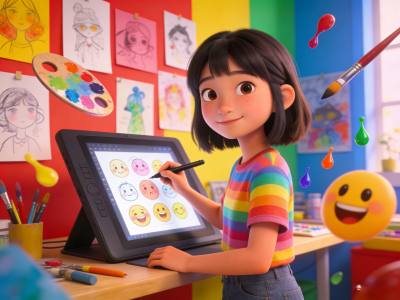
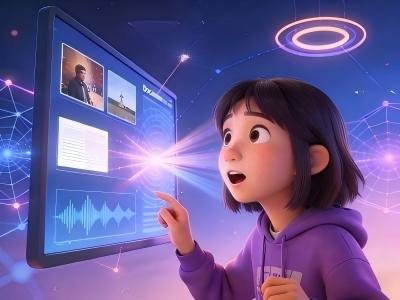
Three commitments
About saola IQ
saola IQ works alongside schools to bring AI into the classroom in a structured, safe way that fits the Vietnamese context. We combine an AI curriculum, teaching tools and student assessment in one unified ecosystem, with systems and data hosted in Vietnam.
Raising a generation of learners who master AI as a creative tool, think across disciplines and solve real problems.
A 192-period spiral curriculum from grade 1 to grade 12. Every lesson comes with a scripted plan, activity sheets and teaching notes.
From lesson idea to lesson plan and interactive lesson on one web platform, with teachers approving every step.
Collecting learning evidence, building competency profiles and guiding the next step for every student.
Commitments100% of data in VietnamLaw on Personal Data Protection No. 91/2025/QH15
Philosophy and architecture
Human-centered
Students use AI to solve real-world problems instead of memorizing how to use tools.
AI ethics and integrity
Students absorb the ethical boundaries of AI through team projects built on real situations, using PBL (Project-Based Learning).
Human–AI synergy
Students understand how an LLM (Large Language Model) works by creating products together with AI.
One platform, two school levels, three capability layers
12-year pathway
The same core concepts deepen from one school level to the next. Each grade has 16 lessons across 2 semesters, and every lesson comes with a full set of teacher materials.
Click a column to open that grade
Sensing AI, exploring how AI works, understanding its principles and mastering core skills.
Consolidating foundations, creating content with AI, decoding algorithms and using AI to solve social problems.
Engineering principles, application development, frontier technology and research.
A lesson with an AI assistant
Draft a 2-lesson plan for class 7A, 38 students, a lab with 20 computers.
AILesson plan built on the 5E framework, 90 minutes in total:
Engage5 min
"Who’s this?" game: AI guesses classmates from photos as they sharpen.
Explore15 min
Groups of 4 list facial features and compare them with how AI extracts features.
Explain15 min
Feature vectors and neural networks through an interactive simulation.
Elaborate40 min
Lesson 2: build a dataset and train an image classifier.
Evaluate15 min
5-question quiz, competency profile updated automatically.
Awaiting teacher approval before class

Grade01
Primary
Students experience AI that recognizes, talks and draws, then learn simple rules and how to keep information safe.
16 lessons2 semesters2 applied cross-curricular lessons
Featured lessonsCode G1-01: grade 1, item 01 in the lesson library
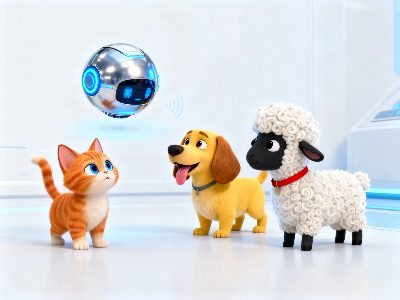
Teach AI to recognize cats with clear, complete, well-lit photos. When AI mistakes a cat for a tiger, students look for new features, such as ears and forehead markings, to tell them apart.
Paired applied lesson: Secret Footprints of Our Animal Friends
AI draws sound as waves: tall waves are loud, dense waves are high-pitched. Every voice has its own "fingerprint", and noise makes AI hear less well.
Paired applied lesson: The Lost Silent Painting

Read emotions from eyebrows, eyes and mouth. Teach AI to classify expressions, then design new ones.
16-lesson pathway · Grade 1
Primary focus: Sensing AI, exploring how AI works, understanding its principles and mastering core skills.
Semester 1Lessons 1–8
Know that AI recognizes objects by their features. Understand that good photos help AI learn correctly.
Know that AI can recognize voices. Understand that AI senses the world through many senses.
Recognize 4 basic emotions. Understand how AI "sees" faces.
Sort by one criterion (color or size). Understand that people set the rules and AI follows them.
Know that AI can respond. Form the idea of having a conversation with AI.
Experience how AI draws. Understand that AI is the brush and the idea is yours.
Recognize 2–3 kinds of smart toys.
Name 5 AI applications around you.
Semester 2Lessons 9–16
Understand simple "if – then" rules.
Know that predictions can be wrong.
Count and add simply to make statistics.
Understand one-to-one matching between words.
Combine 3–5 notes into a melody.
Design 3 game rules.
Know how to protect personal information.
Demonstrate 1 AI function.
Every lesson includes a scripted plan, activity sheets and teaching guidance for teachers.
Grade02
Primary
Students see AI diagnose, sort by rules and create from prompts, then get started with coding and sensors.
16 lessons2 semesters3 applied cross-curricular lessons
Featured lessonsCode G2-17: grade 2, item 17 in the lesson library

AI looks at the color, shape and spots on leaves and compares them with a database to diagnose. AI identifies, people confirm, then AI acts.
Paired applied lesson: Special Mission: The Plant Ark
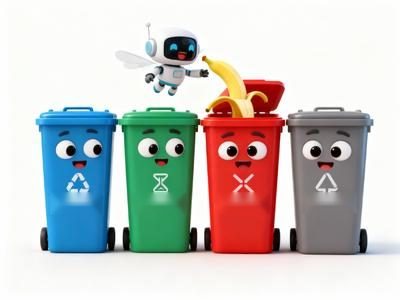
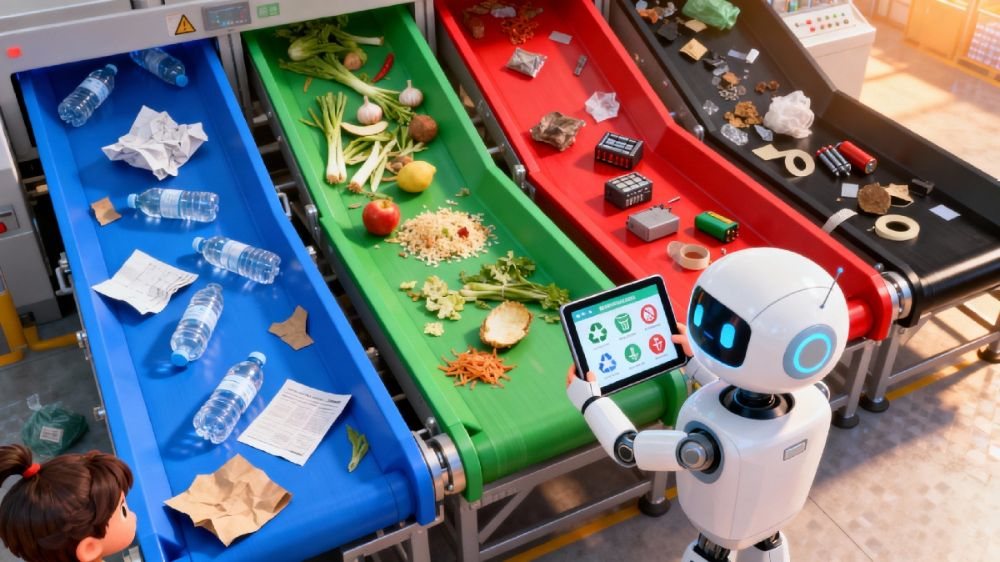
Teach AI to sort waste into 4 groups (recyclable, kitchen, hazardous, other) with "if… then…" rules. Connect them to sorting rules for parcels and fruit.
Paired applied lesson: AI Waste Sorting Officer

Write prompts for AI to tell stories with a "story formula": who, how, where and doing what. The more detailed the prompt, the better the story.
Paired applied lesson: Weaving Dreams with AI
16-lesson pathway · Grade 2
Primary focus: Sensing AI, exploring how AI works, understanding its principles and mastering core skills.
Semester 1Lessons 1–8
Identify 2–3 plant problems. Understand how AI matches patterns.
Understand the 4 waste categories. Know that AI sorts with a rule set.
Compare the pros and cons of 2 routes.
Use AI tools the right way.
Use 3 prompt keywords to guide AI. Understand that people are the director and AI is the assistant.
Recognize 3 correct movements.
Understand how devices work together.
Propose 1 AI solution.
Semester 2Lessons 9–16
Master 5 sequential commands.
Recognize 3 types of sensors.
Understand a simple sense – act loop.
Collect 20 data points.
Design 5 voice commands.
Try 3 different art styles.
Design 3 everyday scenes with AI.
Complete 1 small product.
Every lesson includes a scripted plan, activity sheets and teaching guidance for teachers.
Grade03
Primary
Students learn how images and sounds are digitized, then go through preparing data, training a model and fixing its errors.
16 lessons2 semesters3 applied cross-curricular lessons
Featured lessonsCode G3-33: grade 3, item 33 in the lesson library

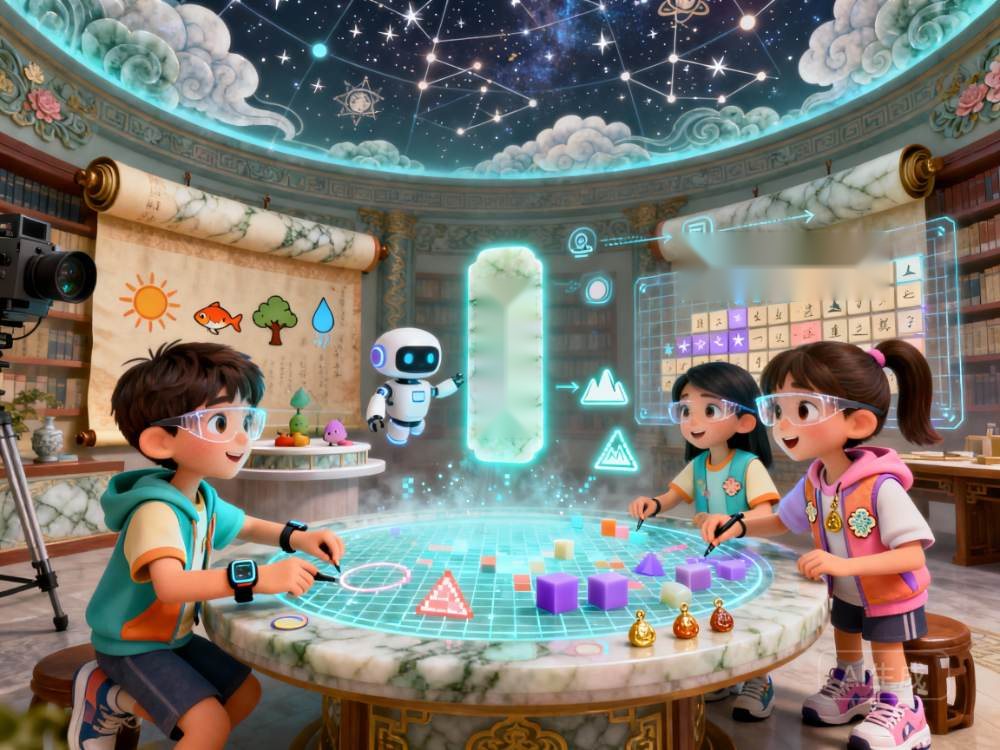
A digital image is made of many tiny squares called pixels, and more squares make a sharper image. Red, green and blue light mix to make colors, and all three together make white.
Paired applied lesson: Pixel Characters Project

AI finds edges, separates shapes, counts and combines features, then turns them into strings of numbers to recognize a picture.
Paired applied lesson: Protecting National Treasures

Amplitude decides whether a sound is loud or soft, and frequency whether it is high or low. AI draws the waveform, extracts features and matches them to recognize sounds.
Paired applied lesson: Bringing Classic Poems to Life
16-lesson pathway · Grade 3
Primary focus: Sensing AI, exploring how AI works, understanding its principles and mastering core skills.
Semester 1Lessons 1–8
Understand pixels, resolution and RGB (Red – Green – Blue) color.
Find 5 types of image features. Understand that numbers are the "language" of AI.
Understand that frequency sets pitch. Know that AI recognizes sounds by amplitude and frequency.
Understand the 3 steps of training AI.
Label 30 data items.
Understand what a 70% probability means.
Compare the speed of 2 algorithms.
Design a simple AI experiment.
Semester 2Lessons 9–16
Clean 50 rows of data.
Understand an 8:2 data split (training and testing).
Analyze 10 error cases.
Design 5 interface elements.
Combine 3 AI functions.
Use conditionals and loops.
Design rules for strong passwords.
Present a project in 3 minutes.
Every lesson includes a scripted plan, activity sheets and teaching guidance for teachers.
Grade04
Primary
Students meet classic algorithms, decision trees and clustering, along with fairness, privacy and social impact.
16 lessons2 semesters3 applied cross-curricular lessons
Featured lessonsCode G4-49: grade 4, item 49 in the lesson library

Explore sorting algorithms (bubble, selection) and searching (linear, binary). Sorting data first makes searching faster.
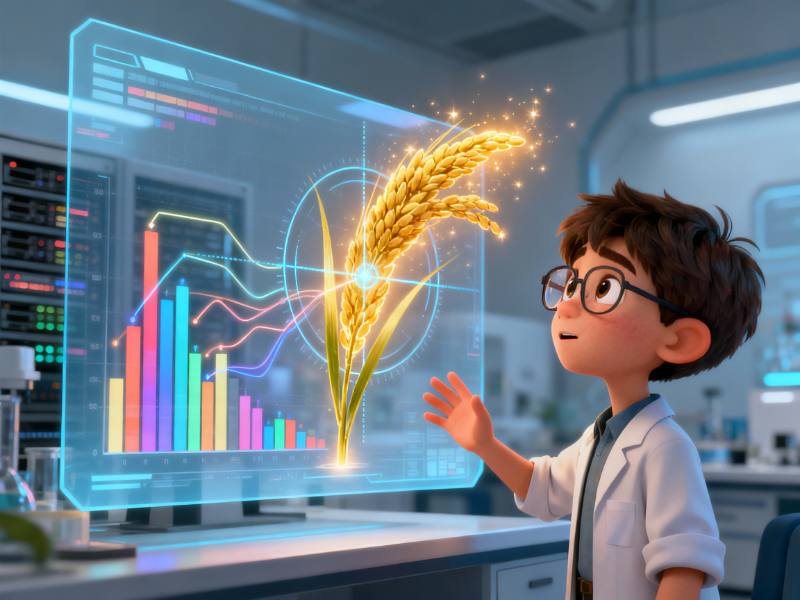
Paired applied lesson: Super-Yield Rice Selection Challenge
Find good questions that split data into two groups, use a "smart score" to choose them, then build a tree with a root, branches and leaves.
Paired applied lesson: Upgrading the Smart School Gate
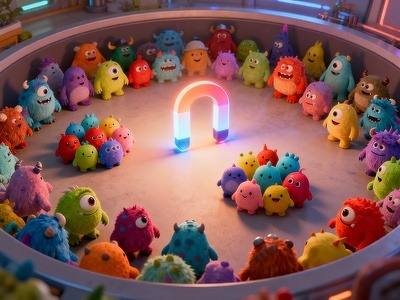
AI groups similar data without rules in 4 steps: pick representatives, compare similarity, update group centers and reassign. It is used to organize photo albums and plan delivery zones.
Paired applied lesson: Discover Your Hidden Club
16-lesson pathway · Grade 4
Primary focus: Sensing AI, exploring how AI works, understanding its principles and mastering core skills.
Semester 1Lessons 1–8
Know 3 classic algorithms and how algorithms have evolved.
Build a 3-level decision tree.
Understand distance and similarity. Know that AI is a helper, not a judge of people.
Understand content-based recommendation.
Identify 3 types of bias.
Know how to anonymize data.
Explain 3 AI decisions.
Analyze 5 affected fields.
Semester 2Lessons 9–16
Propose 3 real-world needs.
Complete a paper prototype.
Create 5 types of charts.
Design a personalized learning feature.
Design a healthcare plan.
Name 3 everyday applications.
Complete a creative work.
Present the year's best work.
Every lesson includes a scripted plan, activity sheets and teaching guidance for teachers.
Grade05
Primary
Students measure AI accuracy, build multi-level classification systems, clean data and master prompt-writing techniques.
16 lessons2 semesters3 applied cross-curricular lessons
Featured lessonsCode G5-65: grade 5, item 65 in the lesson library

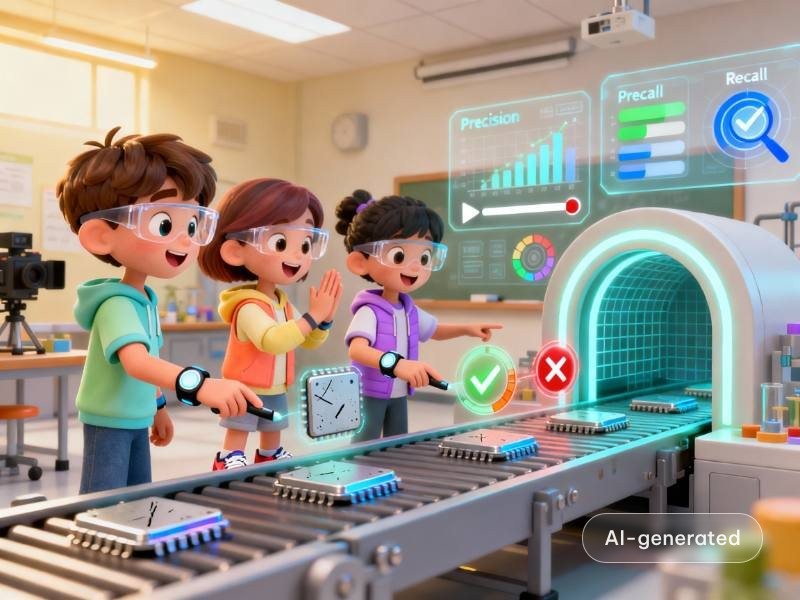
Evaluate an AI that recognizes many fruits by precision, recall and an overall score. Each situation favors one metric: face payment needs precision, airport security needs recall.
Paired applied lesson: AI Chip Inspector
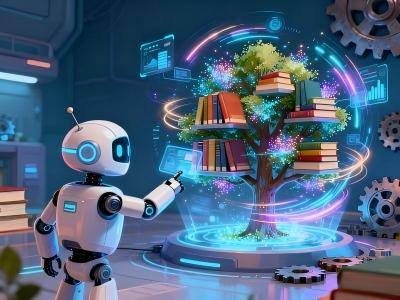
Multi-level classification finds things far faster than checking item by item. An "other" branch keeps the system from failing on unfamiliar data, and key conditions come first.
Paired applied lesson: Express Parcel Sorting Center

Clean data with 3 actions: fill gaps, fix errors and standardize formats. Compare the conclusions drawn from dirty and clean data.
Paired applied lesson: Clean Plate Campaign at School
16-lesson pathway · Grade 5
Primary focus: Sensing AI, exploring how AI works, understanding its principles and mastering core skills.
Semester 1Lessons 1–8
Recognize more than 10 objects with 90% accuracy. Use metrics to evaluate AI.
Build a 3-level classification tree. Combine multiple features.
Process more than 100 data items. Understand that accurate data leads to sound conclusions.
Adjust 3 parameters.
Master 10 prompt-writing techniques.
Produce a 500-word piece.
Use nested conditionals and loops.
Combine 5 technologies.
Semester 2Lessons 9–16
Sustain a 10-turn conversation.
Implement collaborative filtering.
Make 3 types of sensors work together.
Improve performance by 20%.
Create animated charts.
Integrate 5 tools.
Come up with an original solution.
Present a complete project.
Every lesson includes a scripted plan, activity sheets and teaching guidance for teachers.

Grade06
Lower Secondary
Students consolidate recognition, content generation and machine learning, then complete an integrated project that closes the foundational AI stage of grades 1–6. Grade 6 keeps the paired core and applied lessons of grades 1–5.
16 lessons2 semesters3 applied cross-curricular lessons
Featured lessonsCode G6-81: grade 6, item 81 in the lesson library

Organize and compare recognition technologies through a mock case: analyze clues, map the technologies and design a security system.
Paired applied lesson: AI Explorer

Review AI tools that generate text, images, audio and video. Distinguish 3 levels of creation: same-medium editing, cross-medium creation and co-creation.
Paired applied lesson: A Digital Shield for the Family

Compare supervised learning (labeled data) with unsupervised learning (the machine clusters on its own). Meet error metrics and ways to improve: fix wrong labels and add features.
Paired applied lesson: Snow Leopard Guardians
16-lesson pathway · Grade 6
Lower Secondary focus: Consolidating foundations, creating content with AI, decoding algorithms and using AI to solve social problems.
Semester 1Lessons 1–8
Master the full range of recognition technologies. Compare them and choose the right one.
Master content-generation technologies and their uses. Take responsibility for not believing or spreading fake news.
Understand in depth how machines learn. Tell the two learning approaches apart.
Understand that "data decides everything".
Understand the logic of how algorithms evolve.
Know 10 fields where AI is applied.
Build a complete AI knowledge map.
Demonstrate all the skills learned.
Semester 2Lessons 9–16
Combine multimodal recognition (image, sound, text).
Create a complete piece of work.
Deliver a complete project.
Form an ethical view of AI.
Teach what you have learned to others.
Demonstrate integrated competence.
Draw up a learning and development plan.
Look back on the journey of growth.
Every lesson includes a scripted plan, activity sheets and teaching guidance for teachers.

Grade07
Lower Secondary
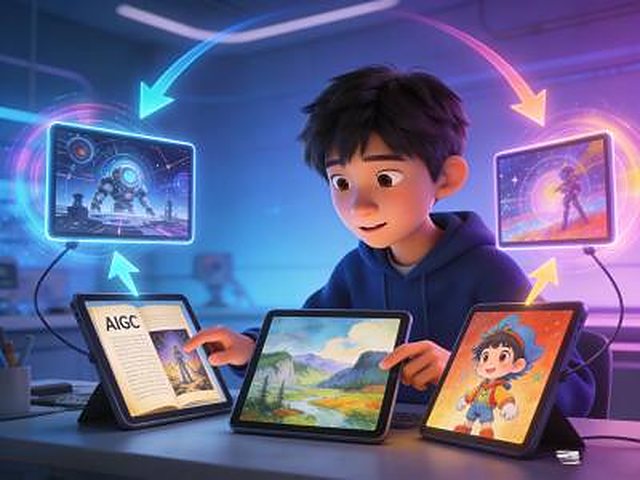
Semester 1 lets students experience AI that recognizes images, voices and language. Semester 2 is an AIGC (AI-Generated Content) creative studio.
16 lessons2 semesters6 double-lesson topics
Featured lessonsCode G7-01: grade 7, item 01 in the lesson library
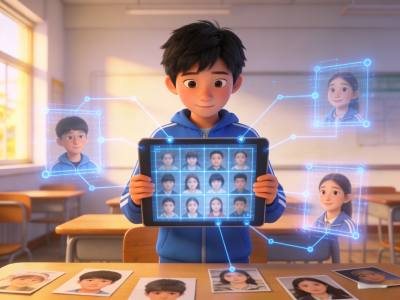
Recognize classmates from photos while learning about features, feature vectors and neural networks. In lesson 2, students build their own dataset, train, balance the data and optimize.

Digitize sound, extract features and match them to recognize speech. Lesson 2 covers voiceprints, speech synthesis and voice cloning.

The probabilistic nature of language models. Students write prompts with the RTFC (Role – Task – Format – Constraint) framework and use negative constraints and chain-of-thought reasoning.
16-lesson pathway · Grade 7
Lower Secondary focus: Consolidating foundations, creating content with AI, decoding algorithms and using AI to solve social problems.
Semester 1Lessons 1–8
Understand image recognition and supervised learning. Build an image classifier.
Understand speech recognition and TTS (Text-to-Speech). Know how to guard against the misuse of fake voices.
Build a simple chatbot. Understand how AI reads emotion in text.
See both sides of technology. Make a poster that states a viewpoint.
Present your project to the class.
Semester 2Lessons 9–16
Write stories, poems and short science pieces with AI. Learn the basics of prompt engineering.
Understand style transfer and composition. Design images with AI.
Make a short class video with AI tools.
Make a virtual presenter video. Reflect on the line between virtual and real.
Bring together the semester's AI content-creation skills.
Every lesson includes a scripted plan, activity sheets and teaching guidance for teachers.

Grade08
Lower Secondary
Semester 1 decodes core algorithms: decision trees, reinforcement learning and neural networks. Semester 2 uses AI to build web pages, edit images and make small tools.
16 lessons2 semesters6 double-lesson topics
Featured lessonsCode G8-17: grade 8, item 17 in the lesson library

Analyze game data, moving from gut-feeling guesses to finding patterns and building a decision tree. In lesson 2, students build a decision assistant for their own lives.
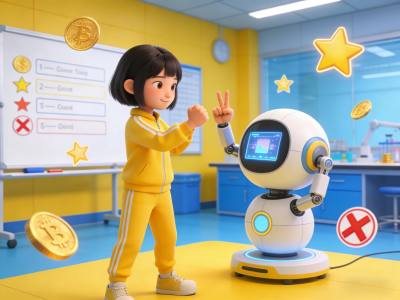
Reinforcement learning through trial and error, rewards and strategy. Students design a rock-paper-scissors AI and use rewards to shape its "personality".
16-lesson pathway · Grade 8
Lower Secondary focus: Consolidating foundations, creating content with AI, decoding algorithms and using AI to solve social problems.
Semester 1Lessons 1–8
Understand decision trees, data analysis and simple game theory. Write a strategy guide.
Get started with reinforcement learning. Design rules and competitive strategies.
Understand training, validation and parameter tuning.
Draw up a fair set of game rules.
Present the semester's results.
Semester 2Lessons 9–16
Learn the basics of HTML (HyperText Markup Language).
Understand how image filters work. Create a set of effect images.
Create a useful small tool.
Understand personal privacy. Make a safety handbook.
Present products and vote for the best idea.
Every lesson includes a scripted plan, activity sheets and teaching guidance for teachers.
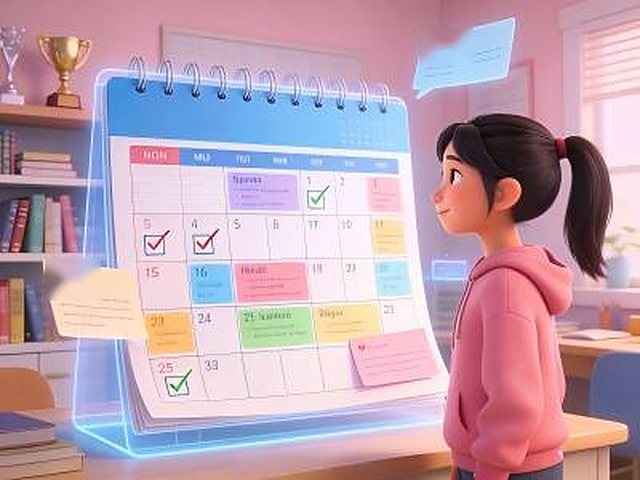
Grade09
Lower Secondary
Semester 1 explores recommender systems, text data analysis and large language models. Semester 2 incubates startup ideas with AI.
16 lessons2 semesters6 double-lesson topics
Featured lessonsCode G9-33: grade 9, item 33 in the lesson library
Recommendation through collaborative filtering. In lesson 2, students map the class's "interest universe" as a knowledge graph and program a recommender with AI through prompts.
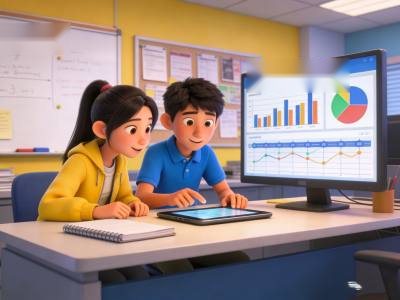
Analyze word frequency with TF-IDF (Term Frequency – Inverse Document Frequency) and trend statistics. Lesson 2 introduces word vectors and topic models that help AI grasp meaning rather than just match keywords.
16-lesson pathway · Grade 9
Lower Secondary focus: Consolidating foundations, creating content with AI, decoding algorithms and using AI to solve social problems.
Semester 1Lessons 1–8
Understand recommender systems and knowledge graphs. Build a study-planning tool.
Rank the school's trending keywords. Understand data visualization and the limits of AI understanding.
Build a smart question-and-answer prototype. Reflect on whether AI understands emotions.
Recognize algorithmic bias. Create a fairness scorecard.
Present a project to a panel.
Semester 2Lessons 9–16
Sketch a prototype of an assistant.
Create a virtual exhibition room.
Plan a public-interest project. Understand AI's social responsibility.
Present a graduation project.
Make a plan for your own future.
Every lesson includes a scripted plan, activity sheets and teaching guidance for teachers.
Grade10
Upper Secondary
Semester 1 goes deep into the principles of AI content generation, machine learning and neural networks. Semester 2 introduces AI application development in Python.
16 lessons2 semesters6 double-lesson topics
Featured lessonsCode G10-01: grade 10, item 01 in the lesson library
Compare and choose generation models, use advanced prompting and tune the "temperature" parameter. Lesson 2 plans a multimedia project in 5 steps, builds it in parts, assembles it and assesses the risks.

Supervised learning, training, validation and test sets, loss functions, overfitting and underfitting. In lesson 2, students collect their own data, train a hand-gesture recognition model and test it live.
16-lesson pathway · Grade 10
Upper Secondary focus: Engineering principles, application development, frontier technology and research.
Semester 1Lessons 1–8
Master AI generation of text, images and video. Complete a multimedia piece.
Understand model evaluation metrics. Run a data-splitting experiment and compare performance.
Design a network structure and experiment with parameter tuning.
Learn data preprocessing. Identify and analyze data bias.
Complete a review, a presentation and peer assessment.
Semester 2Lessons 9–16
Write your first AI program. Learn AI-assisted programming.
Build a recognition system with a user interface.
Design a dialogue flow, then test and optimize the system.
Train an AI to play a game and run a tournament.
Complete a project plan and present the results.
Every lesson includes a scripted plan, activity sheets and teaching guidance for teachers.
Grade11
Upper Secondary
Semester 1 builds engineering workflows: AIGC application systems, machine learning projects and web development. Semester 2 builds new applications such as AI agents, knowledge bases and on-device AI.
16 lessons2 semesters6 double-lesson topics
Featured lessonsCode G11-17: grade 11, item 17 in the lesson library

System architecture design, modular development, API (Application Programming Interface) integration and interface design. In lesson 2, students code their own "prompt generator".
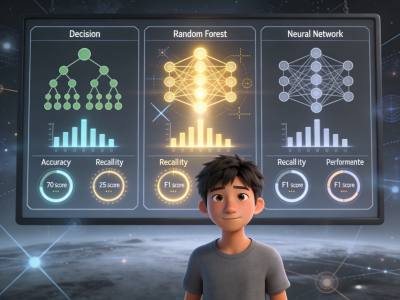
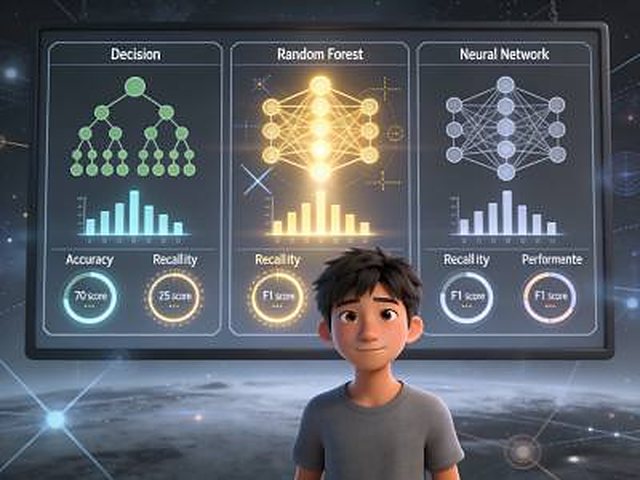
Run the whole machine learning workflow on a penguin dataset: collection, preprocessing, model selection and training. Lesson 2 covers evaluation, parameter tuning and model deployment.
16-lesson pathway · Grade 11
Upper Secondary focus: Engineering principles, application development, frontier technology and research.
Semester 1Lessons 1–8
Build a complete AI application from scratch.
Complete a full machine learning project. Compare and choose models.
Build a web app with AI features and publish it online.
Build a recommendation engine, run an A/B test (comparing two versions) and analyze the results.
Prepare materials, demo the product and answer questions.
Semester 2Lessons 9–16
Design agent features, configure workflows, then test and optimize.
Process documents, build a knowledge base and create a question-and-answer system.
Optimize models, deploy them on mobile and test performance.
Run a creative workshop, survey users and refine the solution.
Present publicly and gather feedback.
Every lesson includes a scripted plan, activity sheets and teaching guidance for teachers.
Grade12
Upper Secondary
Semester 1 explores large models, multimodal AI and research methods. Semester 2 is devoted to capstone projects, entrepreneurship and career guidance.
16 lessons2 semesters6 double-lesson topics
Featured lessonsCode G12-33: grade 12, item 33 in the lesson library
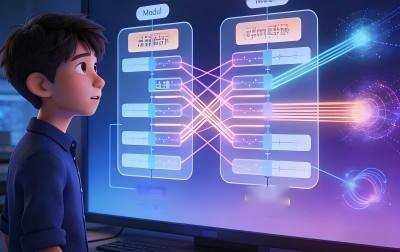
Distinguish recognition AI from generative AI, the meaning of GPT (Generative Pre-trained Transformer), "emergence" and the 3 foundations of data, compute and algorithms. Lesson 2 covers fine-tuning, model distillation and prompt optimization.
Fusing data types, CLIP (Contrastive Language–Image Pre-training) and semantic space. Lesson 2 covers zero-shot learning and content that combines images with text.
16-lesson pathway · Grade 12
Upper Secondary focus: Engineering principles, application development, frontier technology and research.
Semester 1Lessons 1–8
Test large-model capabilities, run fine-tuning experiments and explore model limits.
Develop multimodal applications, search across images and text, and create content.
Choose a field, define a problem and design a research solution.
Analyze cases and design an ethical response.
Write a research report, make an academic poster and discuss it.
Semester 2Lessons 9–16
Write a proposal, implement it and complete testing.
Write a business plan, pitch it and simulate fundraising.
Finalize the solution and submit the entry.
Make a plan and prepare learning resources.
Build a portfolio, present publicly and pass on experience.
Every lesson includes a scripted plan, activity sheets and teaching guidance for teachers.
Teaching and learning platform
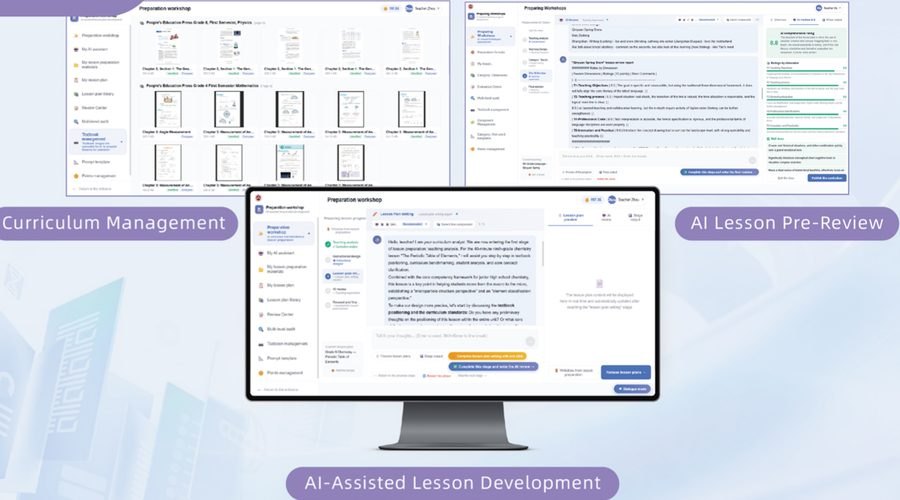
Teachers enter the topic and class profile, and the system drafts a complete plan on the teaching framework, editable at every step.
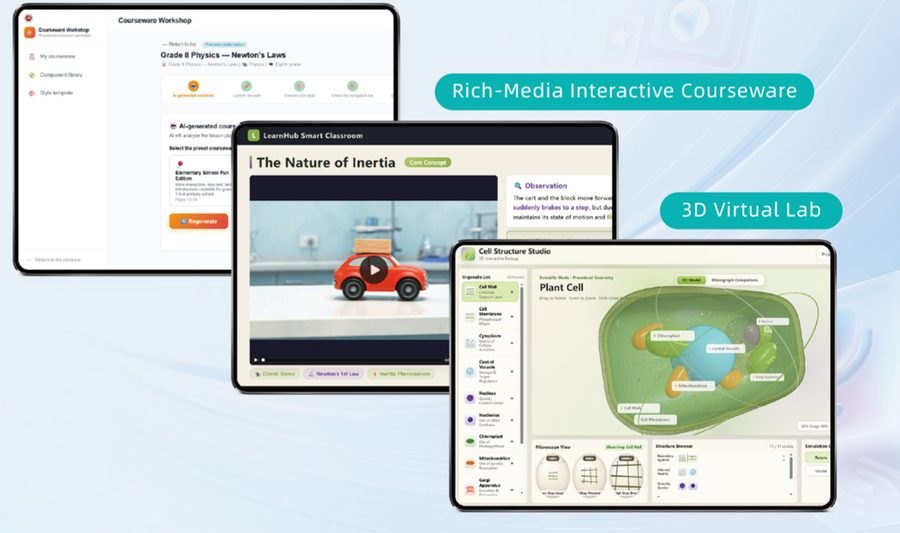
Lesson plans become digital lessons with 3D simulations, gamification and drag-and-drop activities.
Roles and packages
A learning portal, AI practice and a personal portfolio.
Plan, teach and grade in one place, with automatic class analytics.
Central account management with progress and quality tracking.
A system-wide dashboard with cross-school comparison.
School package
Private, bilingual and multi-level schools that want to teach AI next semester.
DOET and network package
Central management and consistent quality across the whole system.
Data and security
The whole system follows data sovereignty principles, from where data is stored and how it is processed to the right to take it with you when the contract ends.
Student data sits on domestic cloud infrastructure in Vietnam.
Data is processed under Law No. 91/2025/QH15.
Deploy in the data center of the DOET or the school.
All data and digital assets are returned to the school.
Fine-grained permissions with full usage logs.
A data impact assessment prepared by the saola IQ team.
Runs in the browser on existing computer labs.
Filters and moderation designed for schools.
Why saola IQ
Assess needs and computer labs, choose the curriculum scope.
Deploy with selected grades and train teachers.
Review with the school, then scale to the whole school or system.
Register for a pilot
The saola IQ team responds within 24 working hours to discuss your needs, demo the platform and design a pilot plan for your school.
Systems and data hosted 100% in Vietnam, in compliance with the Law on Personal Data Protection No. 91/2025/QH15.
© 2026 saola IQ