AI-native workflow
AI supports the whole cycle: planning lessons, creating teaching materials, reviewing and building reusable resources.
The AI orchestration platform for teaching and collaborative lesson planning
An integrated solution for curriculum building and shared lesson planning in every subject.
Book a demo
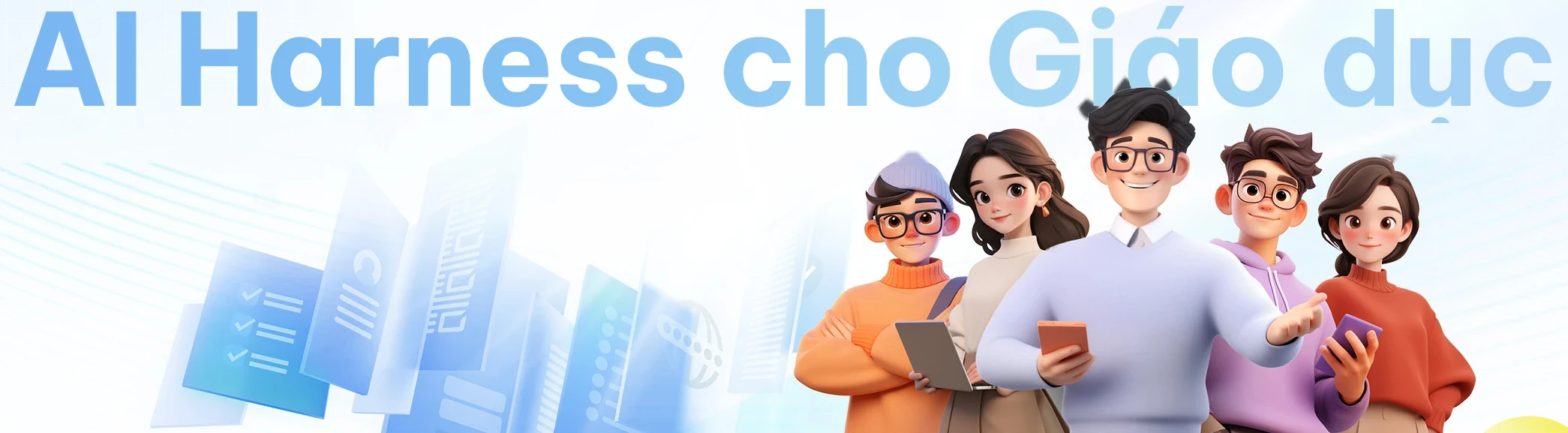
AI Lesson Studio is an AI orchestration platform for teaching and professional collaboration, combining pedagogical foundations with modern AI technology and hands-on experience in schools.
As a complete AI Harness (the framework that lets teachers orchestrate AI), built around educational contexts and workflows, the platform puts teachers in charge of AI. Its multi-pipeline engine supports AI-assisted lesson planning, smart content generation, automatic grading and review, and draws on libraries of sample lesson plans, templates and components.
These capabilities keep improving under teachers' guidance, so teaching experience is reused again and again, turning generative AI into teacher productivity, a quality assurance process, and a lasting asset of materials for schools and regions.
Duplicate: make a copy and build on it.
Bringing the AI Harness into the teaching workflow while teachers keep the key decisions.
AI supports the whole cycle: planning lessons, creating teaching materials, reviewing and building reusable resources.

AI analyzes and generates; teachers choose and validate; subject teams oversee standards and quality.
Generate quickly with the default workflow, or control every detail with reference documents, planning recipes, components and several rounds of editing.
Approved lesson plans, lessons, recipes and components go into the materials library and become the starting point for the next round of shared planning.
Materials assets feed the next teaching cycle.
Start from the teaching context and build, step by step, a complete, structured lesson plan ready for review.
Turn a lesson plan, a topic, a PowerPoint file or a Word document into a web lesson, ready to present and interact with.
Quality assurance throughout the making of lesson plans and lessons.
Adding quality work to the school's and the region's materials library.
A planning workflow that is easy to start.
A quality lesson cannot be conjured from a short prompt. It has to rest on teaching analysis, objective design, classroom activities and assessment. The platform's AI Harness splits professional lesson planning into five stages, helping teachers articulate and complete complex tasks step by step while making the judgment calls at the key points.
Teaching analysis and teaching design are combined in the first workflow frame below.

Use curriculum standards, textbooks, learner needs, core concepts and difficult content to establish the teaching context and lesson objectives.
Generate a complete lesson plan with teacher activities, student activities, timing, exercises and board design.
Spot what to improve in objectives, content, lesson flow, assessment and creativity.
Teachers edit each section or ask AI to improve it. Every round of edits is saved automatically as a version.
Helping AI understand the teaching task.
AI has general knowledge but does not know your school, your class or each teacher's specific requirements. Planning recipes, AI assistants, curriculum documents, learner documents and professional components give AI, in a structured way, the information that decides the quality of a lesson plan.
Components are suggested by subject, grade, planning stage and recipe. Teachers can accept the suggestions to bring the plan closer to the class's real needs.
Save the structure of a lesson plan and reuse an effective way of planning with one click. Teachers decide whether to accept suggestions, add their own documents or skip for now.
The library holds 200 components in 13 groups. Use knowledge on demand like add-on materials; the professional knowledge in the selected components is fed into the next round of analysis and generation.
Five steps. Plan first, generate second, as quick or as detailed as you like.
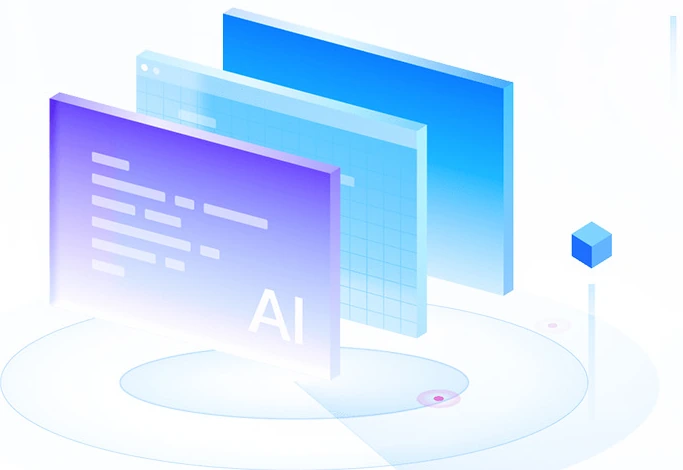
Start from a lesson plan, a topic, a PowerPoint file, a Word document or interactive 3D content.
AI plans each page in advance: content, layout and questions.
Choose templates and components, confirm the plan, then generate the whole lesson.
Combine AI-assisted editing with manual editing.
Present the lesson, submit it for review or export an offline package.
These are not 23 fixed pages but interactive web components that AI combines, adapts and weaves into the structure of a lesson.
A consistent visual style for the whole lesson in no time, even without professional design skills.
After batch generation, adjust each page with local fine-tuning, a full rebuild, regeneration from the plan or direct editing.
Covering teaching theory, teaching methods, learner analysis, objective design, classroom activities and assessment criteria, the modules make lesson plans and lesson designs more professional and closer to real teaching needs.
Virtual presenters, AI agents and 3D labs bring lessons to life.
Examples from the platform. Click any image to see it larger.
A vivid exploration led by an AI agent
Turn every result into a lasting asset.
Book a demoSystems and data hosted in Vietnam.